Capture the HDR/SDR screen.
It detects the OS "display mode" setting and generates an image file tailored to that setting.

Convert to an AVIF image file.
Create small files with good image quality using the libavif encoder.

For Windows 11.
This software is a safe-to-use Windows Store app.
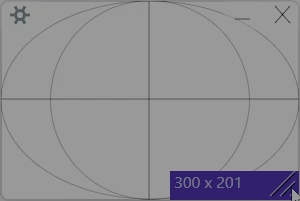
Easily set the capture area.
"Drag move" and "drag resize" the "Pane window" to set the capture area. You can move and resize it when the guide lines are showing.
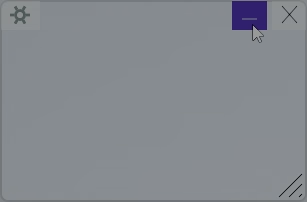
Full-screen capture.
Full-screen capture works when the window is minimized. Click the minimize button. After that, please capture the screen using the shortcut key.
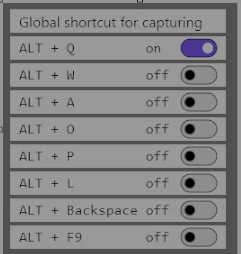
It works even if the window does not have focus.
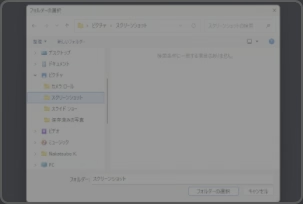
Easy folder selection.
Use the folder selection dialog for the destination folder.The default location is the "Screenshots" folder.

Images are not transmitted.
All image processing is performed on this PC.
Prevent fake key inputs.
It blocks simulated key inputs from external programs as much as possible, protecting against unintended capture operations.
Can't see the image.
Please install the "AV1 Video Extension" from the Microsoft Store so that you can view AVIF files in "Photos" and "Paint."and "File Explorer".
7-day trial period.
There are no limitations or watermarks during the 7-day trial period.
Background processing.
Encoding is handled as a background process, so 4K HDR capture won't place an undue burden on you.
Encoding time
Encoding takes a long time when the window is minimized. The icon on the taskbar animates during encoding.
HDR processing
Creates an HDR image file while minimizing blown-out highlights.

First HDR.
You need to enable the settings on both the monitor and the Windows11.